Laptop RAM/ Memory Upgrading Services in Kenya
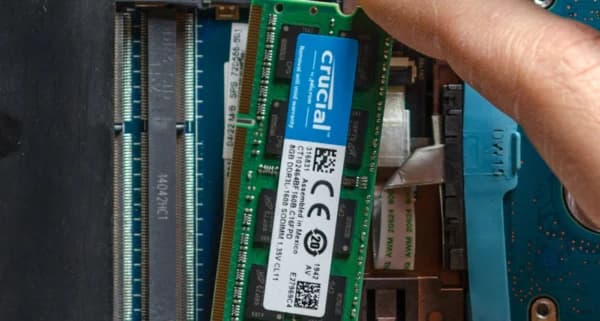
Boost your multitasking speeds. Extra memory prevents system lag when running heavy apps or opening many browser tabs.
Common Causes of this Problem
- Modern operating systems consuming more baseline memory space.
- Demanding productivity software exceeding old 4GB or 8GB hardware limits.
- Damaged storage memory banks triggering blue-screen memory dump faults.
Troubleshooting Steps You Can Try At Home
- Check your current active memory load levels using Windows Task Manager.
- Confirm max motherboard capacity limits and speed limits before buying new RAM.
- Pair matching system memory modules to enable high-speed dual-channel performance.
Note: If home troubleshooting steps do not resolve the issue, avoid forcing internal connections to prevent permanent mainboard circuit damage.