Laptop Not Charging Repair in Kenya
Plugged in but not charging? Power connectivity disruptions can completely stall your business operations or studies within Kenya.
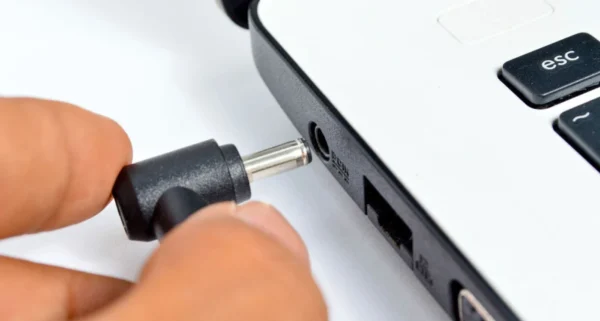
Common Causes of this Problem
- Degraded battery pack that can no longer hold or receive electrical charge.
- Broken or loose charging brick pin/unstable power adapter.
- Physically loose, broken, or desoldered DC charging jack port inside the chassis.
Troubleshooting Steps You Can Try At Home
- Test alternative power wall sockets or try a verified functional compatible charger.
- Uninstall and reinstall the 'Microsoft ACPI-Compliant Control Method Battery' driver from Device Manager.
- Inspect the internal charging pin indicator light closely for intermittent connections.
Note: If home troubleshooting steps do not resolve the issue, avoid forcing internal connections to prevent permanent mainboard circuit damage.